
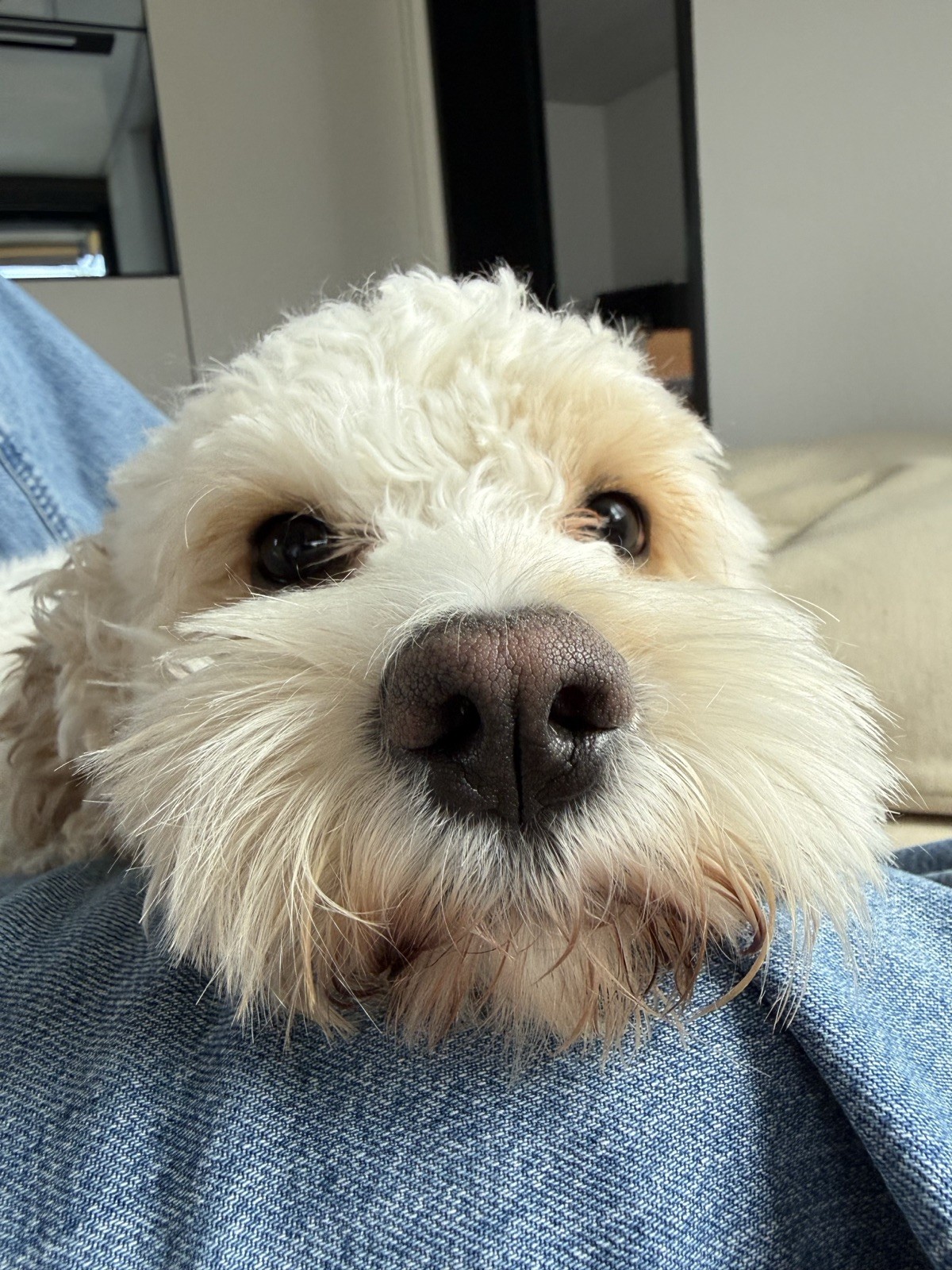
This cute little monster has chewed a single earbud from not 1, not 2, but 4 🫣 pairs of Shokz Openfit 2+ earbuds. I really don’t want to buy a 5th pair.
So, I have 4 unchewed earbuds, evenly split between left and right, but none of them connect to each other. They each also connect to a different charging case.
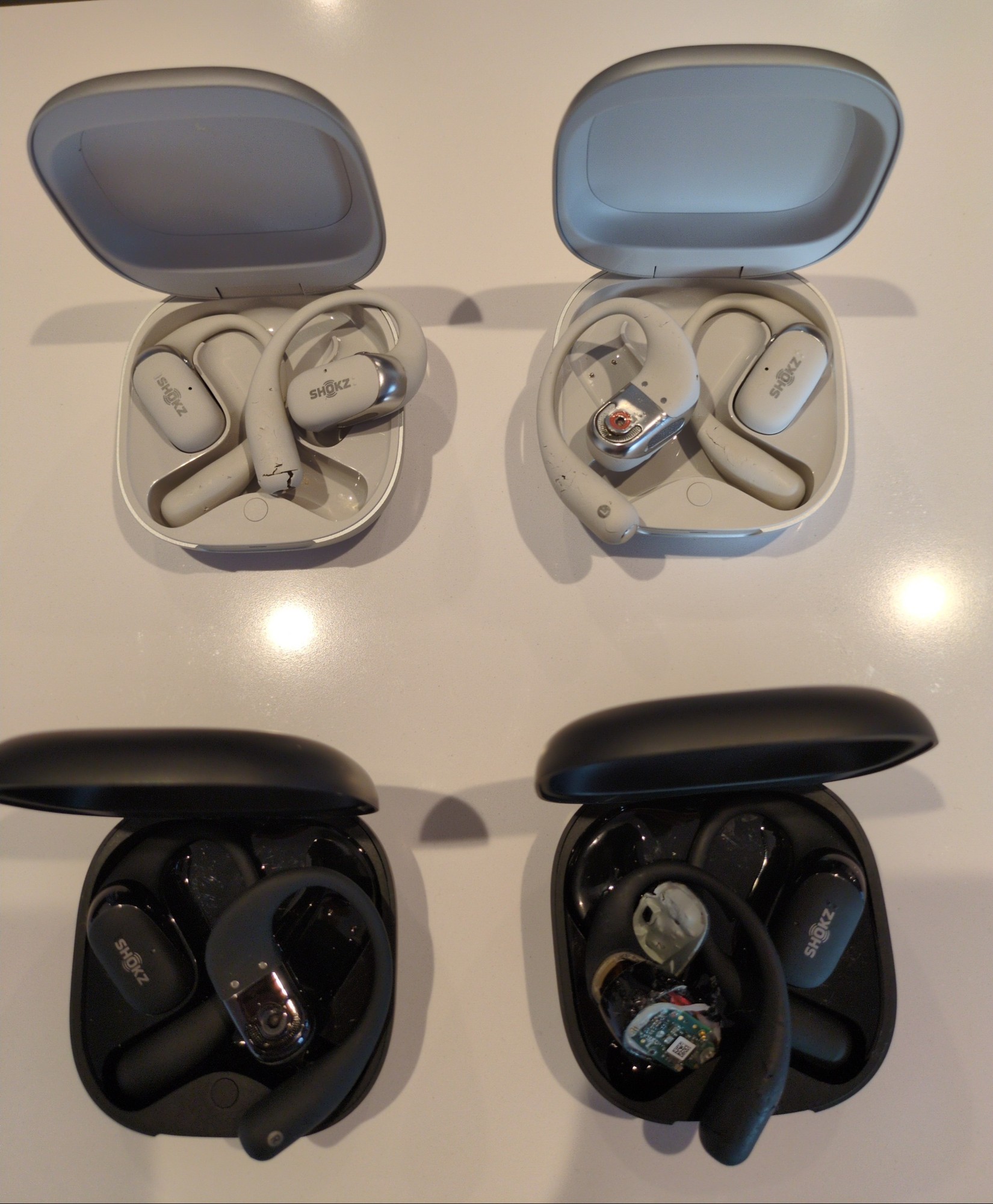
Question 1: Does anyone have a clue how these things connect to one another? Is there any chance that I could pair them without having to open them up?
Question 2: If 1 isn’t possible, is anyone willing to get on a video call with me and see whether you can guide me through switching out parts to repair one of the chewed earbuds? I have no experience with this kind of thing. I have some ifixit tools from opening up an iMac once, and even a (never used) solder. Whether these will suffice ¯\(ツ)/¯
You must log in or register to comment.
Have you tried the instructions on page 30 of the user manual?
Some of my earbuds can re-pair with a hard reset, but I’ve never tried to do it with mixing 2 pairs of the same buds…
IMO I would not try and repair those, unless you are very comfortable with electronics, plastics and understand the batteries. They typically have 1-2 Li-Ion cells under the part that hangs behind your ear. Ruining the sealing on those could lead to sweat ingress and eventually short circuit during use.
Unfortunately that doesn’t work. The charging case light goes off when I place the unpaired earbud in it.
I have no clue about wireless earbuds in particular, so I won’t be of help with question 1.
But I could give you some general remote help. I don’t know how successful that will be with probably limited tools and documention, but I’m willing to try :D