

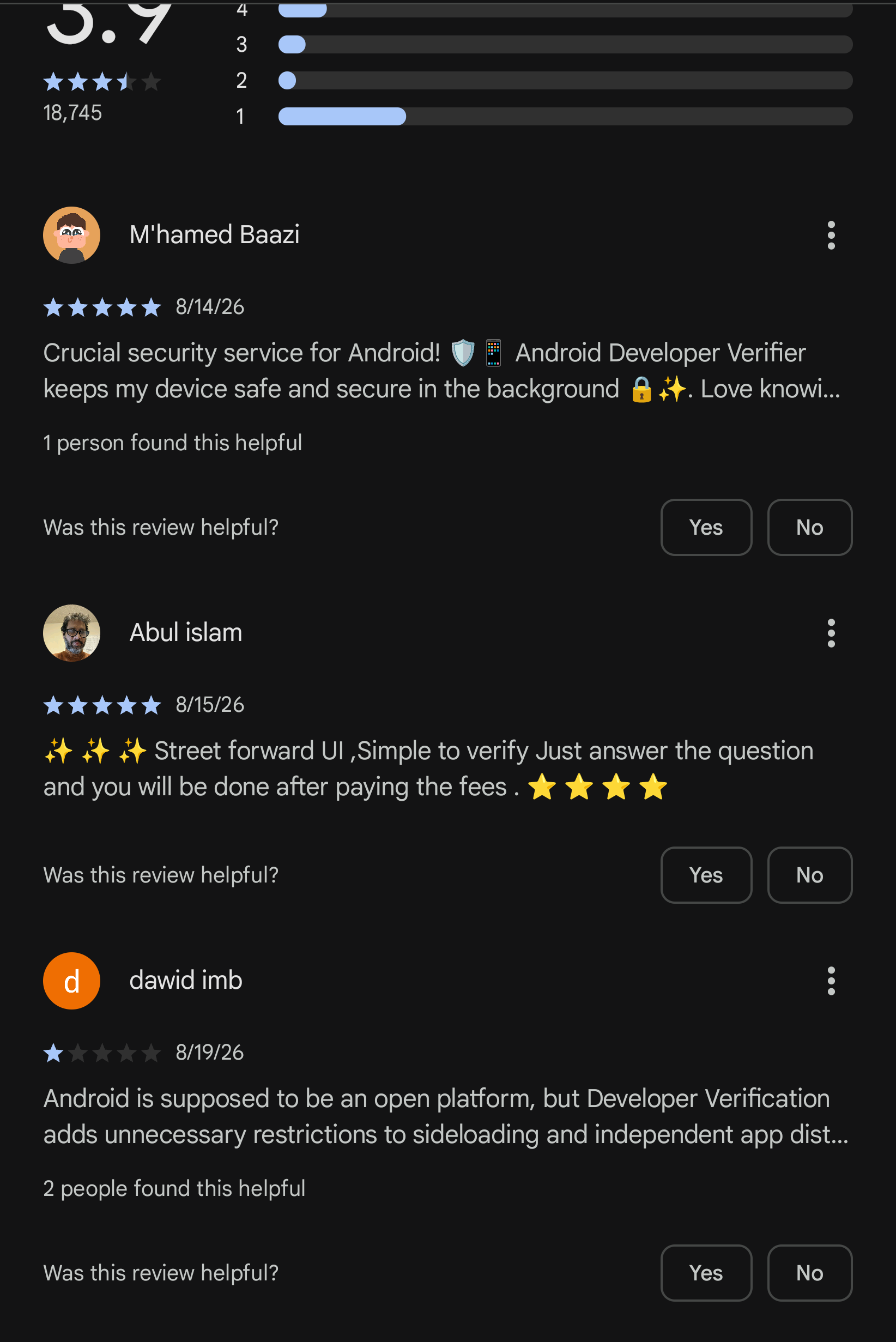
This app is set to stop people from installing apks or using stores and apps not accepted by google (“verification” requires payment of course). The play store listing does not have images, a proper description, and the app cannot be opened.
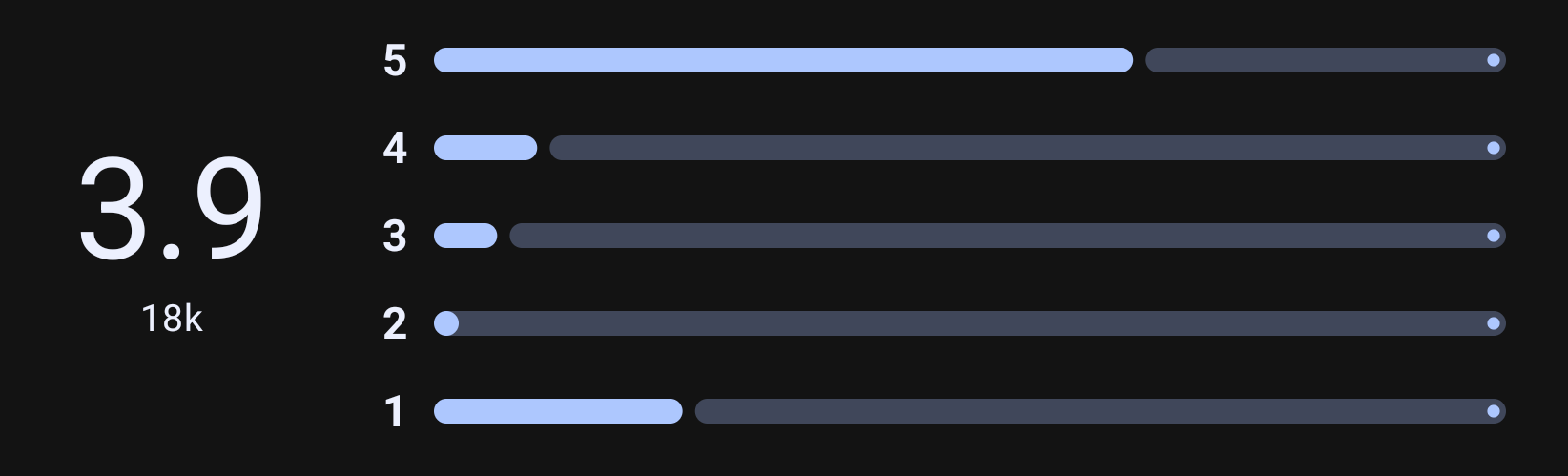
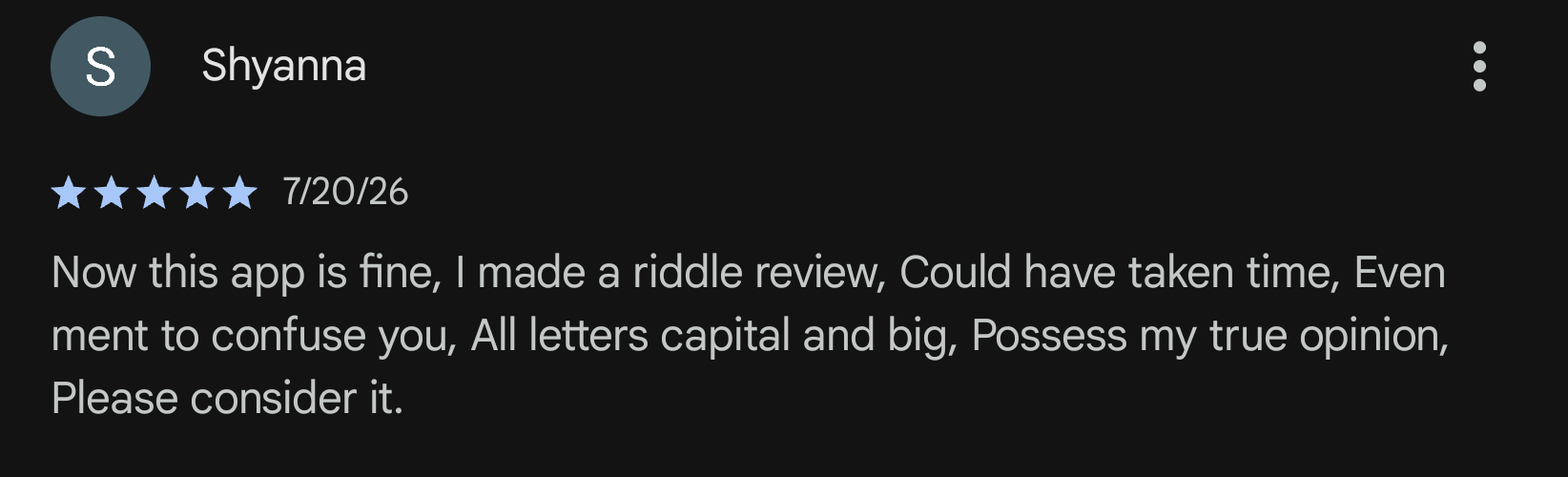
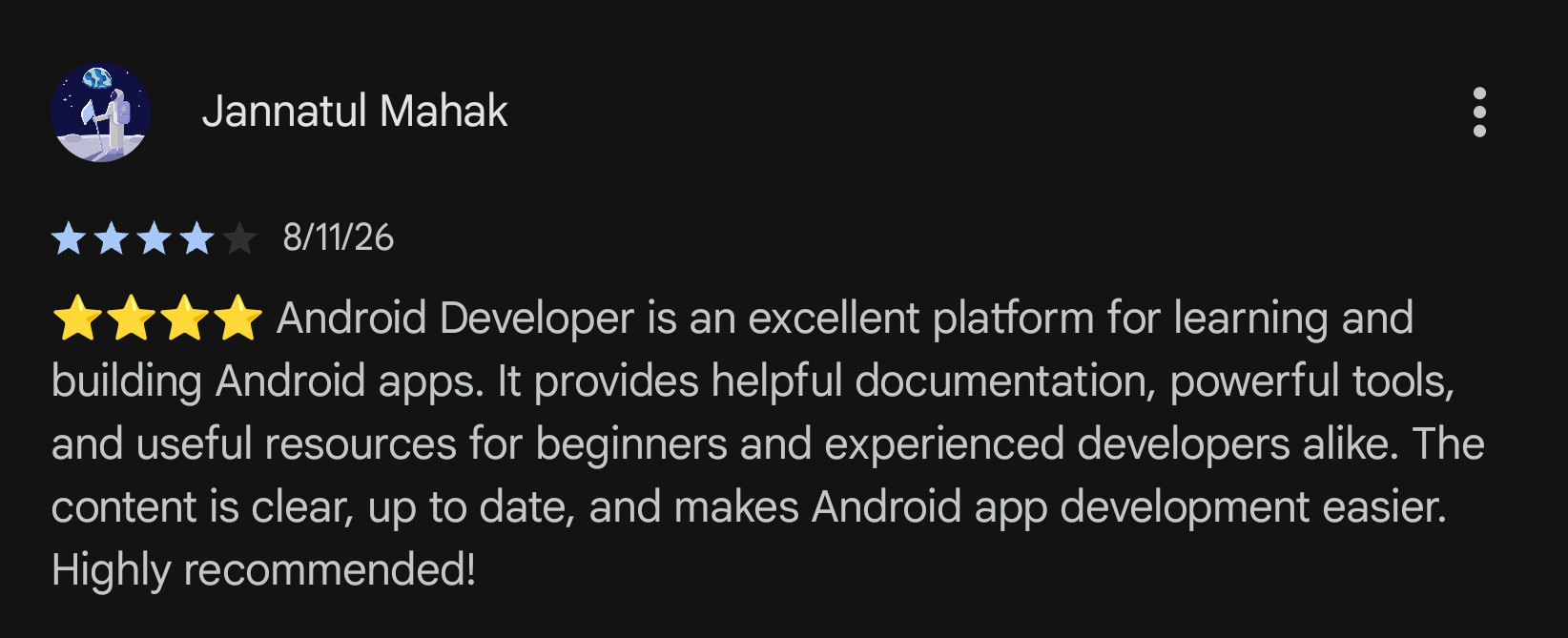
Screenshots from the play app because google did something custom for this playstore listing which crashes Aurora. It’s fixed in the latest fdroid release, but I noticed that too late, so most screenshots are from googles shitty app.
To be clear, you can still bypass this either with ADB commands or waiting 24 hours.
Is it dumb you have to do this? Absolutely.
Do I like Google for doing this? Not at all.
I’m just sick of seeing so many people saying it’s completely stops you from side loading apps which is just untrue.
Did you ever hear a story about boiling a frog?
Oh I absolutely think they’ll expand on this in the future and lock it down even more. It doesn’t change the fact the way it is now, you can bypass.
There used to be a time where unlocking xiaomi phones took nothing but waiting 24 hours.
When I got one, that was up to 7 days, and you had to put in a sim with mobile data then make a xiaomi account (so they can log the sim any network details for fingerprinting). Then use a barely working windows only tool to get the codes, and if you requested them too early start over.
Now, last I hear, it’s once per year per sim, with a wait of a month, and many regions (like the us iirc) are completely forbidden.
In this case it’s likely google is checking if the EU will say anything, or other regulators, or regular users. This already adds a big obstacle devs have to get users over.
But they will definitely expand this.
Right now you can still install a dummy over it via adb. Just wait for when this is rolled out in new phones and adb can only disable it for a day anymore.
And then wait for them blocking unlocking of phones, and disabling adb without yourself the user verifying with google.